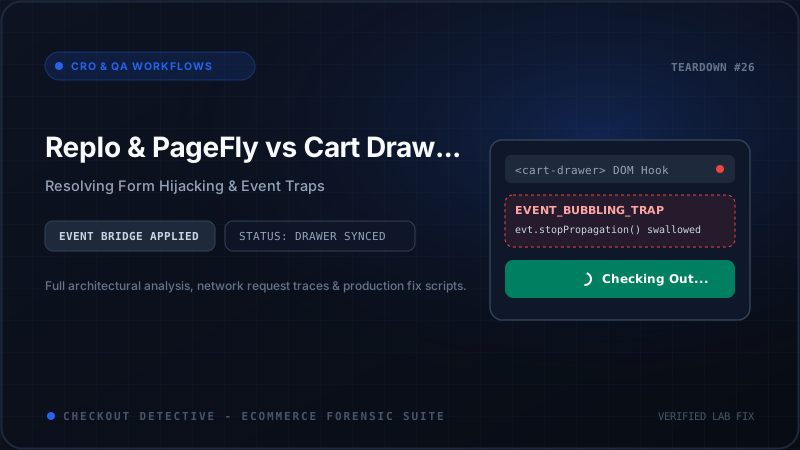
Shopify growth teams rely heavily on visual page builders like Replo, PageFly, and GemPages to publish high-converting landing pages for paid social campaigns. However, a widespread technical conflict frequently undermines these funnels: the landing page Add to Cart button either does nothing, reloads the page, or fails to open the theme cart drawer.
Direct Answer: Why Do Page Builders Break Theme Cart Drawers?
Page builders break theme cart drawers because they render isolated form elements outside the theme's native component tree. When a user clicks "Add to Cart", the page builder's internal JavaScript executes event.stopPropagation() or submits an asynchronous fetch('/cart/add.js') without emitting the custom DOM events (like cart:updated, cart:refresh, or Dawn's cart-drawer:open) that the parent theme relies on to trigger drawer visibility. This causes the customer to assume the store is broken, leading to instant cart abandonment.
| Page Builder | Form Architecture | Common Checkout Symptom | Event Bridge Solution |
|---|---|---|---|
| Replo | React-based isolated component container | Button loads, but theme drawer never opens | Listen to replo:add_to_cart & dispatch theme event |
| PageFly | Custom DOM form wrapper with nested button | Redirects to /cart instead of opening side drawer |
Toggle PageFly "Stay on current page" setting |
| GemPages | Dynamic AJAX handler injecting global listeners | Double additions (2 items added per 1 click) | Unbind duplicate click listeners via debouncing |
The Universal Event Bridge Code Fix
To bridge the gap between third-party landing page builders and your native Online Store 2.0 theme drawer (Dawn, Prestige, Impulse, Focal), insert this standardized Custom Event Bridge into your theme's theme.liquid layout before the closing </body> tag:
<!-- Universal Page Builder to Cart Drawer Event Bridge -->
<script>
document.addEventListener('DOMContentLoaded', () => {
  // Listen for AJAX requests across fetch
  const originalFetch = window.fetch;
  window.fetch = async function(...args) {
    const response = await originalFetch.apply(this, args);
    const url = typeof args[0] === 'string' ? args[0] : args[0]?.url;

    if (url && (url.includes('/cart/add') || url.includes('/cart/change'))) {
      const clonedResponse = response.clone();
      clonedResponse.json().then(cartData => {
        // Dispatch standardized OS 2.0 event
        document.dispatchEvent(new CustomEvent('cart:updated', {
          detail: { cart: cartData },
          bubbles: true
        }));

        // Trigger Dawn / Prestige Drawer specifically if present
        const drawer = document.querySelector('cart-drawer') || document.querySelector('.cart-drawer');
        if (drawer && typeof drawer.open === 'function') {
          drawer.open();
        }
      }).catch(() => {});
    }
    return response;
  };
});
</script>
Preventing Costly Ad Spend Leaks
When paid TikTok or Meta campaigns direct thousands of visitors to a custom landing page, a broken cart integration can cost your brand thousands of dollars per hour. Before pouring ad budget into a newly published page, run a rapid 60-second diagnostic using Checkout Detective's Revenue Leak Auditor. You can also estimate total third-party script bloat with our free App Bloat Estimator.