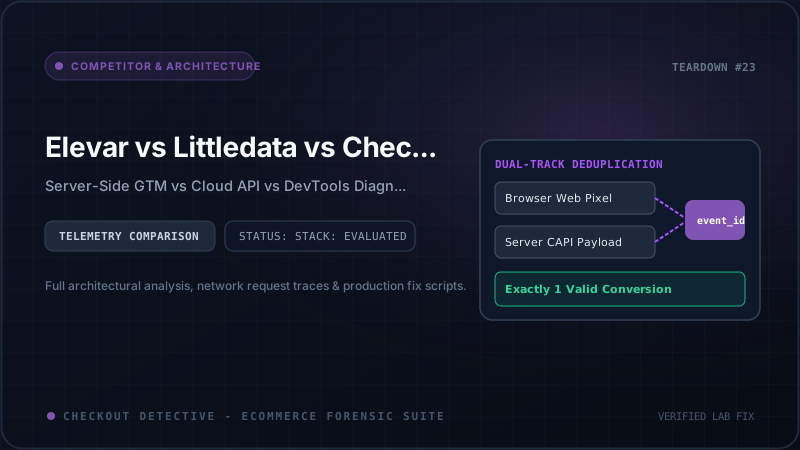
When high-growth Shopify Plus merchants lose conversion tracking or experience sudden spikes in cart abandonment, the immediate instinct is to look at attribution dashboards. However, there is a fundamental architectural divide in the Shopify telemetry ecosystem: server-side event dispatchers (Elevar, Littledata) vs client-side real-time diagnostic engines (Checkout Detective). Understanding this distinction is the key to preventing silent revenue leaks.
Direct Answer: Which Solution Do You Need?
If your store requires server-side conversions API delivery to bypass Safari ITP and ad blockers, you need a server pipeline like Elevar or Littledata. However, if your customers are experiencing frozen "Check Out" buttons, unresponsive cart drawers, 429 API rate limits, or missing client-side Web Pixel triggers, server-side tools are blind because the customer never successfully completed the transaction to generate a server webhook. For diagnosing and fixing storefront execution bottlenecks, Checkout Detective's 7 diagnostic engines provide immediate, in-browser root-cause forensics.
| Architectural Feature | Elevar | Littledata | Checkout Detective |
|---|---|---|---|
| Primary Focus | Server-Side GTM Container Routing | Direct Cloud Webhook Connector (GA4/Meta) | Storefront Diagnostics & Checkout QA |
| Execution Layer | AWS/GCP Cloud Run Container | Proprietary Backend Cloud Infrastructure | Chrome DevTools & Web Pixel Sandbox |
| Catches Cart Drawer Freezes? | No (Zero Visibility) | No (Zero Visibility) | Yes (Click-to-JS Correlation) |
| Inspects HTTP 429 Rate Limits? | No | No | Yes (Leaky Bucket Telemetry) |
| PII Data Storage | Customer emails/IPs sent to sGTM server | Customer order data processed on cloud | Zero-PII (100% In-Browser Execution) |
| Setup Overhead | Custom DNS, Cloud Run, Tag Mapping (4-8 hrs) | Shopify App installation & Webhooks (1-2 hrs) | Instant 1-Click Install (Zero Code Changes) |
| Pricing Model | $150 - $750+/month + Cloud Hosting fees | $99 - $499+/month | Free Starter / $19/mo Pro (View Plans) |
The Server-Side Blind Spot: Why sGTM Cannot Catch Checkout Crashes
Both Elevar and Littledata rely on events reaching either their JavaScript tracking tags or the Shopify orders webhook. But consider the buyer journey when an unhandled exception occurs in your theme:
- A buyer clicks "Check Out" in your Dawn or Prestige cart drawer.
- A currency converter app or third-party upsell widget executes an unhandled Promise rejection or triggers an HTTP 429 Too Many Requests error on
/cart/change.js. - The cart drawer spinner loops indefinitely. The checkout URL is never loaded.
- Result: No transaction webhook is fired. Elevar and Littledata record zero errors. In Google Analytics, your session ends as a bounce, and you lose a $140 order with zero diagnostic visibility.
The Recommended Modern Stack Architecture
Leading Shopify Plus agencies do not treat these tools as mutually exclusive—they use them in tandem:
- Use our free Meta CAPI Payload Generator to inspect event deduplication keys (
event_id). - Deploy Elevar or Littledata for production server-side event transmission to advertising platforms.
- Deploy Checkout Detective in your agency QA workflows to run pre-flight checkout diagnostics and detect silent frontend failures before launching marketing campaigns.
How to Audit Your Current Storefront Setup
Before spending thousands of dollars on complex server-side infrastructure, calculate whether your revenue loss is due to attribution drops or physical cart failures using our Free Revenue Leak Calculator. You can also explore our technical deep-dive on Meta CAPI Deduplication in Customer Events to verify your browser-to-server parity.